
Have you spotted a banner in your NetSuite account? Oracle may have sent an email, or a team member may have mentioned it in a meeting. No matter how you heard about it, NetSuite Next should be on your radar. Your team may start asking questions before there is a clear internal plan in place.
The platform is at the center of NetSuite's 2026 Release 2. Rather than leaving your team to interpret the NetSuite 2026 release notes on their own, you can help them navigate the changes proactively. This guide focuses on the changes most likely to affect daily workflows.
NetSuite Next Is Oracle's AI-Powered ERP Evolution
What is NetSuite Next, exactly? It's Oracle's AI-powered evolution of the NetSuite system your business is already using. Here's what that means:
Begins with NetSuite 2026.2: The NetSuite Next rollout began with NetSuite 2026.2 on July 15, 2026, starting in the U.S. and Canada before expanding to additional countries.
Workflows and data remain: Your data, roles, permissions and workflows carry over, so your team can keep working from the same information. Customizations should still be reviewed in preview.
Embedded AI capabilities support the platform: AI is embedded across the system, along with a conversational assistant and a redesigned interface.
Faster reporting capabilities: Tasks that typically take considerable time to finish across several steps can be completed more quickly with the assistant's help.
Skip the migration work: Teams do not need to perform any data migration or reimplementation.
Keep your current license: Your existing license covers access to NetSuite Next using the same annual subscription model.
New NetSuite Next AI Features in 2026 Release 2
NetSuite Next brings three key changes that affect how teams use and interact with the platform. Each change can affect daily workflows, such as how teams ask questions, review data and complete routine tasks.
1. Ask Oracle Is NetSuite's New AI Assistant
Ask Oracle in NetSuite responds to plain-language questions about your own NetSuite data. The assistant navigates records, creates reports and pinpoints insights so your team doesn’t have to dig through data files.
If you’re part of a finance team juggling close-cycle reporting with subsidiary performance, this real-time visibility is especially useful for replacing hours spent manually pulling data. The assistant maintains its scope to align with your company’s own data.
Ask Oracle honors your existing roles and permissions, making it simpler for users to review results that align with your team’s access levels. Responses include a built-in explanation feature that lets your team explore how the assistant arrived at its answers.
2. The Oracle Redwood UI Remodels Your NetSuite Experience
The Oracle Redwood UI offers a new look and feel to your NetSuite account. Underlying data and processes stay the same, but the design refresh applies to the interface your team likely interacts with daily.
Redwood updates the interface with redesigned navigation, menus, lists and records, while Ask Oracle supports faster search and data access. Since this is the clearest difference, some administrators may notice this visual shift first.
NetSuite Next is the biggest NetSuite update since 1998, and the Redwood interface delivers the most visible piece of that change.
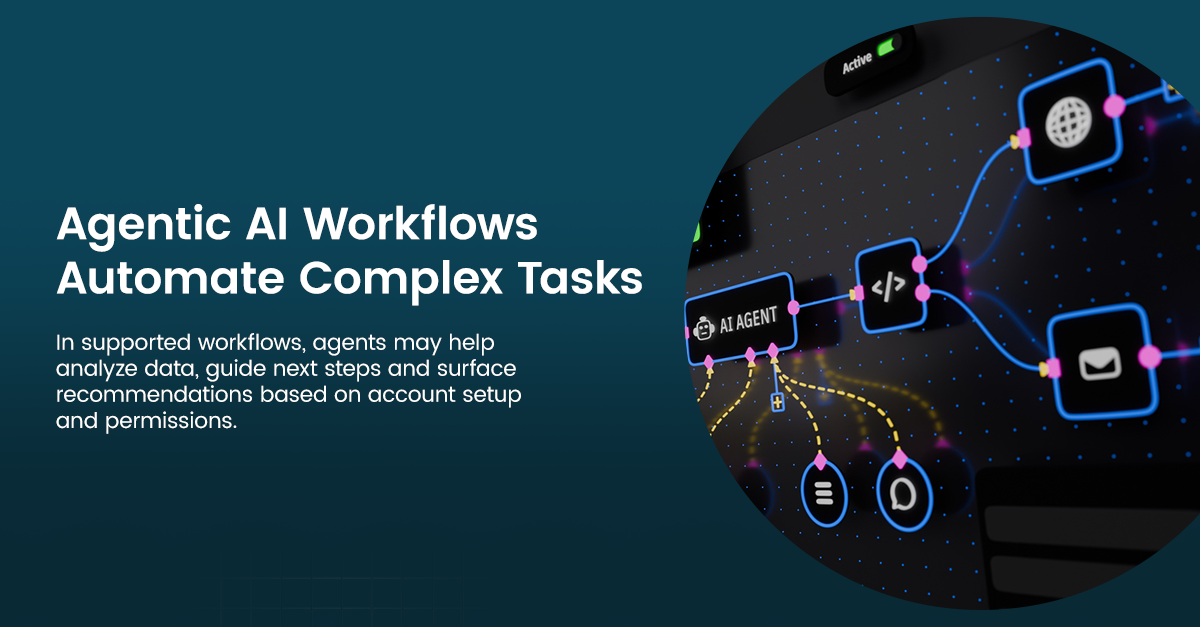
3. Agentic AI Workflows Automate Complex Tasks
In supported workflows, agents may help analyze data, guide next steps and surface recommendations based on account setup and permissions. Some agentic AI workflow examples include vendor selection, payment proposals, reconciliations and supply chain operations. Reconciliation support can reduce some of the manual work that often slows down financial close.
Depending on the workflow and account setup, teams may be able to review recommendations, approve next steps or set parameters for agent actions. The agents and actions available to you depend on your account setup.
What Remains the Same When Switching to NetSuite Next
Your NetSuite account transfers the account foundation, records, workflows, permissions and roles when you move to NetSuite Next. Explore elements that remain the same:
Data stays intact: Historical data, transactions and all existing records carry over without a migration step.
Permissions and roles remain unchanged: Users can keep the same access level and visibility they had before the update.
Review personalizations and customizations: Many NetSuite personalizations and customizations are expected to carry over, so dashboards and saved searches can transfer without extra setup. However, your team should check deeper SuiteScript customizations against the new interface before enabling them.
Review integrations: Current third-party connections and SuiteApps are expected to continue working, which matters for IT teams managing legacy system connections or product life cycle management (PLM) alongside NetSuite. However, IT teams should test business-critical connections in preview.
How the NetSuite Next Rollout Works
Oracle manages the NetSuite Next rollout schedule on an account-by-account basis. Once you’re eligible for an update, your account displays an in-app banner. There are two options for moving forward:
Request a preview account: Oracle's preview account process offers a 30-day copy of your current environment, including roles, workflows, data and customizations. This provides your team with a lower-risk environment before anything touches production. If you need more time to examine workflows, you can request another preview account.
Enable access by role: If your team feels confident with the platform, administrators can first enable the platform for specific roles. This phases the rollout team by team rather than placing the entire transition on a busy IT team at once. For example, finance teams may go live weeks before colleagues in other departments.
What to Do Before You Request NetSuite Next Preview Access
Your NetSuite Next experience depends on the state of your current environment. Conducting a few checks before the preview access can help limit surprises later:
Review your data quality: Ask Oracle draws its answers from your existing records, so clean, well-structured data produces more accurate results.
Audit permissions and roles: Verify the specific roles and permissions before AI starts surfacing insights across your account.
Test your customizations: Check SuiteScripts and SuiteApps against the new interface to confirm they behave as expected.
Prepare your team: Decide which roles to enable first, and build familiarity with prompting and the refreshed navigation before going live.
Prepare for NetSuite Next With Strategic Information Group
Strategic has supported ERP customers since the early 1990s and helps NetSuite customers prepare for platform changes like NetSuite Next. The smoothest transitions are the ones planned before urgent questions arise. A readiness review can help administrators and finance leaders evaluate data quality, roles and permissions, SuiteScripts, SuiteApps, integrations, reporting workflows and close-related processes before requesting preview access.
Once you're live, you'll have access to Strategic NetSuite consulting and support through SIGSERV TotalCare for NetSuite, our 24/7/365 managed support team.
Ready to see where your account stands? Contact our team today to schedule a NetSuite Next review.